
Sponsored byMixinflow
AI ProductivityAI Research & KnowledgeAI BusinessApproved
AI for Database icon

AI for Database

AI for Database is a tool that allows users to interact with

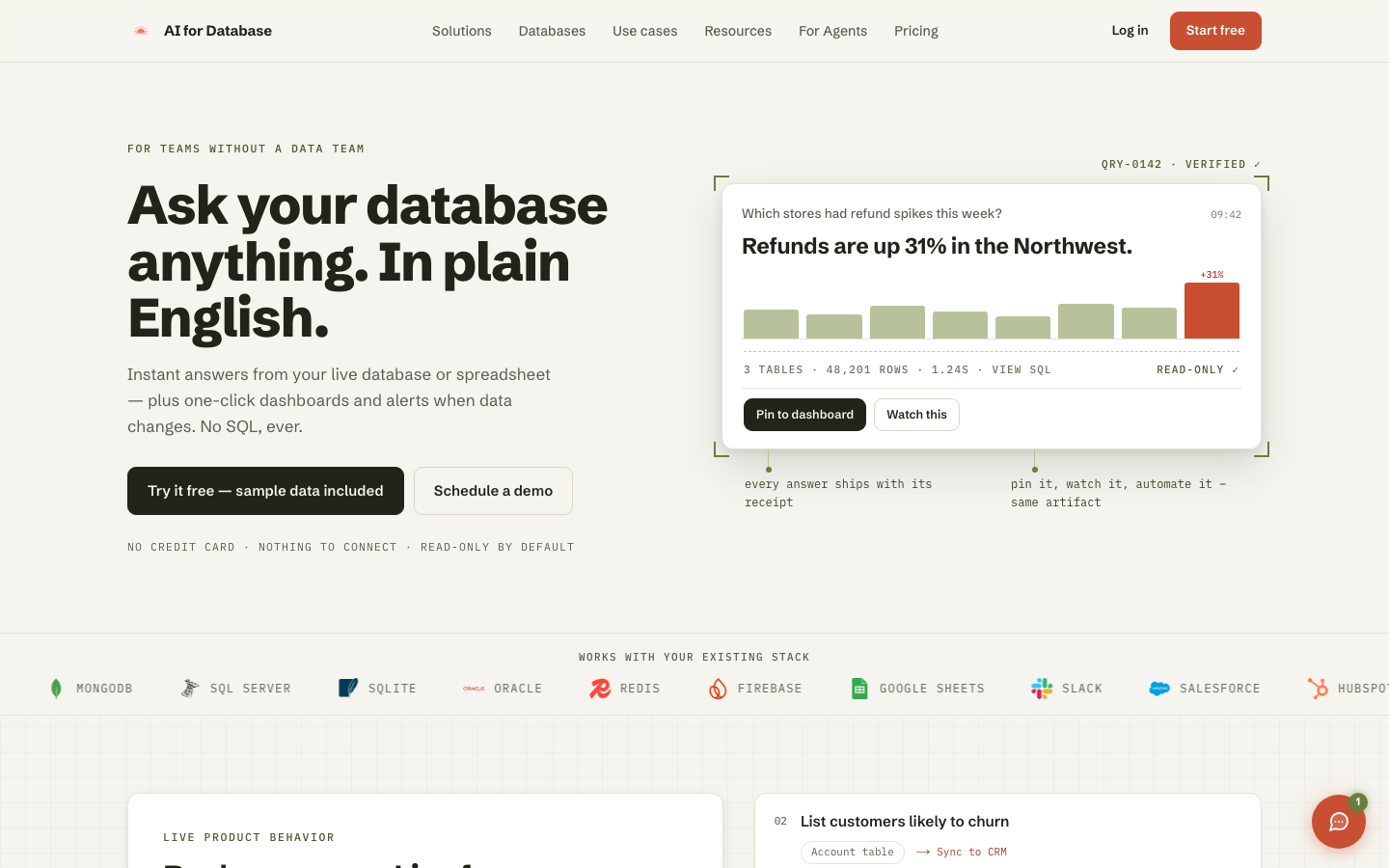
AI for Database is a tool that allows users to interact with their databases and spreadsheets using plain English, eliminating the need for SQL. It connects to various data sources like PostgreSQL, MySQL, MongoDB, and Google Sheets, providing instant answers, one-click dashboards, and alerts for data changes. Designed for teams without dedicated data analysts, AI for Database enables users to ask questions, analyze data, generate reports, and automate actions directly from their live data, acting as an operating layer for business processes.

AI for Database screenshot
Try AI for Database

Website: aifordatabase.com

What is AI for Database?

AI for Database is a tool that allows users to interact with their databases and spreadsheets using plain English, eliminating the need for SQL. It connects to various data sources like PostgreSQL, MySQL, MongoDB, and Google Sheets, providing instant answers, one-click dashboards, and alerts for data changes. Designed for teams without dedicated data analysts, AI for Database enables users to ask questions, analyze data, generate reports, and automate actions directly from their live data, acting as an operating layer for business processes.

At a Glance

Pricing
Not specified
Status
Approved
Platform
Web
Category
AI Productivity, AI Research & Knowledge, AI Business
Tags
analytics, automation, business-intelligence, database, plain-english, reporting, sql

Why Choose AI for Database

Plain English Queries

Ask questions about your data in natural language without needing to write SQL queries. AI for Database translates your requests into actionable insights. AI for Database is a tool that allows users to interact with their databases and spreadsheets using plain English, eliminating the need for SQL. It connects.

Broad Data Source Connectivity

Connects seamlessly with a wide range of databases and spreadsheets, including PostgreSQL, MySQL, MongoDB, Google Sheets, and more. AI for Database is a tool that allows users to interact with their databases and spreadsheets using plain English, eliminating the need for SQL. It connects.

Instant Answers & Dashboards

Receive immediate responses to your data queries and generate one-click dashboards to visualize key information. AI for Database is a tool that allows users to interact with their databases and spreadsheets using plain English, eliminating the need for SQL. It connects.

Automated Alerts

Set up alerts to be notified when specific data changes occur, ensuring you stay informed about critical updates. AI for Database is a tool that allows users to interact with their databases and spreadsheets using plain English, eliminating the need for SQL. It connects.

Actionable Insights

Go beyond just getting answers; AI for Database helps you act on the data by facilitating reporting and workflow execution. AI for Database is a tool that allows users to interact with their databases and spreadsheets using plain English, eliminating the need for SQL. It connects.

How to Use AI for Database

  1. 1

    Connect Your Data Source

    Link your database (PostgreSQL, MySQL, MongoDB, etc.) or spreadsheet (Google Sheets) to AI for Database.

  2. 2

    Ask a Question in Plain English

    Type your query naturally, for example, 'Which stores had refund spikes this week?'

  3. 3

    Review the Answer and Visualize

    Receive instant answers, charts, or dashboards. You can view the underlying SQL and pin insights to a dashboard.

  4. 4

    Automate Actions or Set Alerts

    Configure alerts for data changes or set up actions based on the insights, such as syncing data to a CRM or creating a Slack reminder.

Best For

  • Identify sales trends

    Who: Sales Managers · Quickly understand which products are selling well or identify regional performance without complex reporting.

  • Monitor inventory levels

    Who: Operations Teams · Get immediate updates on low stock items and receive alerts to prevent shortages.

  • Track customer behavior

    Who: Marketing Teams · Identify customer segments likely to churn or analyze campaign effectiveness through simple data questions.

  • Manage sales pipelines

    Who: Sales Representatives · Easily see stuck deals or track progress in the sales funnel without manual data compilation.

  • Analyze financial anomalies

    Who: Finance Departments · Detect unusual spikes in refunds or expenses and set up alerts for immediate attention.

Frequently Asked Questions About AI for Database

Do I need to know SQL to use AI for Database?

No, AI for Database is designed to let you ask questions and get answers in plain English, eliminating the need for SQL.

What types of data sources can I connect?

You can connect to a variety of databases like PostgreSQL, MySQL, MongoDB, SQL Server, Oracle, and spreadsheets like Google Sheets.

Is there a cost to use AI for Database?

AI for Database offers a free tier, and no credit card is required to start.

How does AI for Database ensure data security?

The tool operates in read-only mode by default, and it works with your existing stack, minimizing data exposure.

Can I automate actions based on data insights?

Yes, AI for Database allows you to build workflows and automate actions or set up alerts based on the answers you receive.

What happens if I ask a complex question?

AI for Database translates your plain English questions into queries, providing answers, visualizations, and options to automate or alert.

Is this tool suitable for teams without a data expert?

Absolutely. AI for Database is built specifically for teams that need data insights but do not have a dedicated data team or SQL expertise.