Sponsored byMixinflow
Video GenerationAI Video EditingApproved
AI Fruit Video Generator icon

AI Fruit Video Generator

The AI Fruit Video Generator is an online platform designed to transform

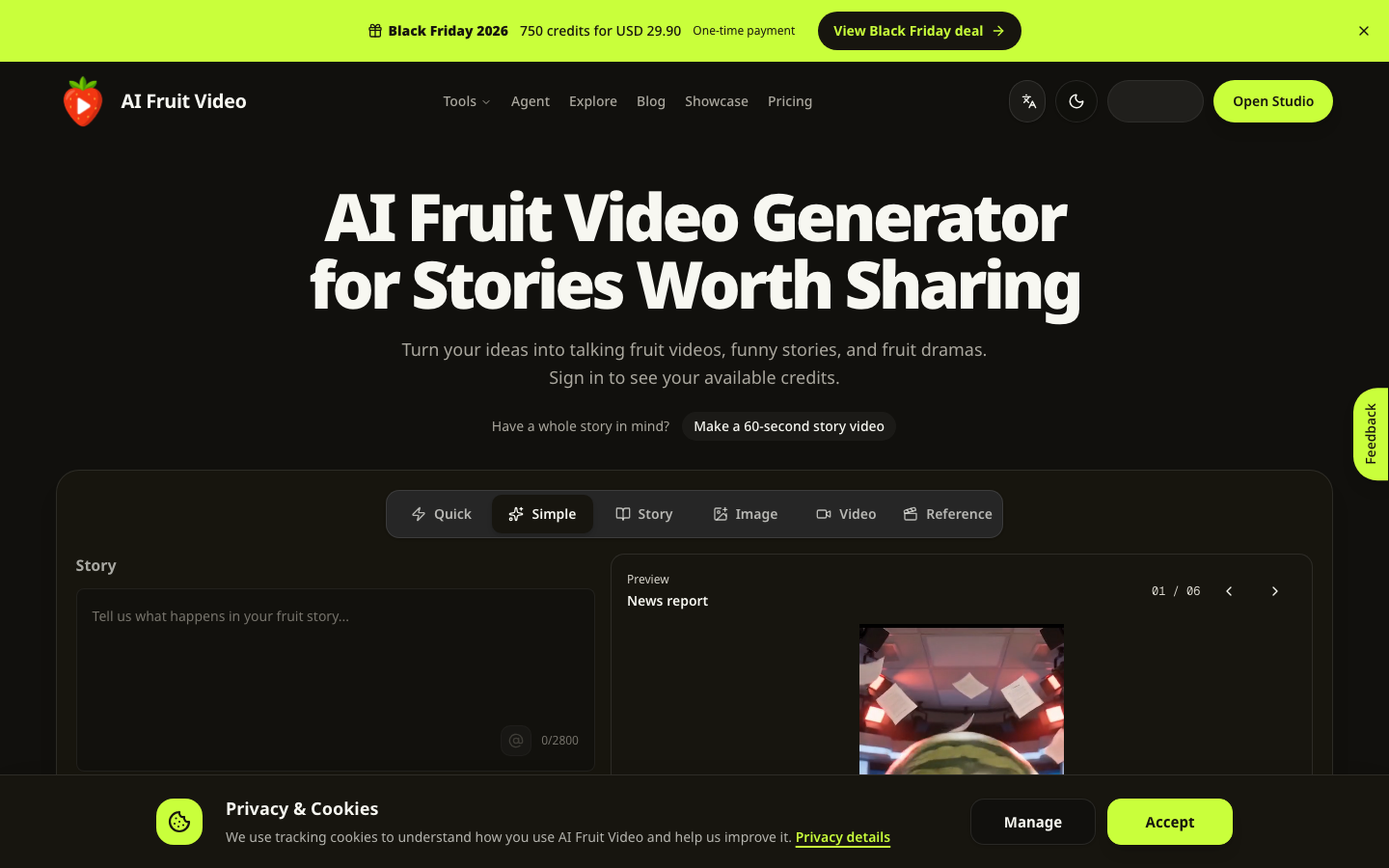
The AI Fruit Video Generator is an online platform designed to transform written stories or simple ideas into engaging short-form videos featuring animated talking fruits. Users input a narrative, select reference images, and configure video parameters such as duration, aspect ratio, and resolution. The system leverages advanced generative models like Seedance 2.0 Mini to render consistent characters, synchronized voiceovers, and dynamic scenes tailored for platforms like TikTok, Instagram Reels, and YouTube Shorts. This tool simplifies content creation by automating the complex steps of anima

AI Fruit Video Generator screenshot
Try AI Fruit Video Generator

Website: aifruitvideo.com

What is AI Fruit Video Generator?

The AI Fruit Video Generator is an online platform designed to transform written stories or simple ideas into engaging short-form videos featuring animated talking fruits. Users input a narrative, select reference images, and configure video parameters such as duration, aspect ratio, and resolution. The system leverages advanced generative models like Seedance 2.0 Mini to render consistent characters, synchronized voiceovers, and dynamic scenes tailored for platforms like TikTok, Instagram Reels, and YouTube Shorts. This tool simplifies content creation by automating the complex steps of anima

At a Glance

Pricing
Not specified
Status
Approved
Platform
Web
Category
Video Generation, AI Video Editing
Tags
ai-video-creation, fruit-video-generator, seedance-model, short-form-video, social-media-content, talking-fruit, text-to-video

Why Choose AI Fruit Video Generator

Text-to-Video Story Rendering

The AI Fruit Video Generator converts written narratives up to 2800 characters into fully animated sequences with synchronized dialogue and background visuals tailored for vertical social media formats.

Reference Image Integration

When using the AI Fruit Video Generator, upload up to nine custom images to guide character appearance and scene composition, ensuring visual consistency across generated clips and maintaining creative alignment.

Model Comparison Dashboard

The AI Fruit Video Generator includes a comparison dashboard that evaluates multiple underlying AI engines side-by-side using identical prompts to assess acting quality, voice clarity, and subtitle accuracy.

Customizable Video Parameters

Users configuring the AI Fruit Video Generator can adjust output specifications including clip duration, vertical aspect ratios optimized for mobile viewing, and standard resolution settings to match platform requirements.

Credit-Based Generation System

Managing credits in the AI Fruit Video Generator allows users to redeem purchased packages, initiate video jobs, track processing status in real-time, and manage historical outputs efficiently.

How to Use AI Fruit Video Generator

  1. 1

    Compose Your Narrative

    Enter a concise story idea into the AI Fruit Video Generator text field, keeping it under the character limit to ensure focused scene generation.

  2. 2

    Select Visual References

    Upload optional reference images within the AI Fruit Video Generator interface to define fruit character designs, backgrounds, or props, helping the AI maintain visual consistency.

  3. 3

    Configure Output Settings

    Adjust parameters in the AI Fruit Video Generator dashboard to choose your preferred AI model, set the video duration, and select the vertical aspect ratio.

  4. 4

    Generate and Review

    Submit the job to the AI Fruit Video Generator to begin processing, monitor the status in your dashboard, and download the finished video once rendering completes.

Best For

  • Social Media Influencers create humorous fruit-themed skits using the AI Fruit Video Generator to boost engagement and g

    Who: Content creators focusing on short-form entertainment · Increases audience retention through novel, algorithm-friendly clips

  • Educational Content Creators develop animated storytelling segments via the AI Fruit Video Generator to explain concepts

    Who: Teachers and digital educators · Simplifies complex topics and makes learning materials more accessible

  • Marketing Teams produce quick promotional videos through the AI Fruit Video Generator featuring branded fruit mascots to

    Who: Brand managers and advertising agencies · Accelerates ad creative production while maintaining consistent brand voice

  • Independent Animators experiment with AI-assisted workflows using the AI Fruit Video Generator to prototype storyboards

    Who: Freelance artists and indie developers · Reduces initial development costs and speeds up the iterative design process

Frequently Asked Questions About AI Fruit Video Generator

What file formats are supported when using the AI Fruit Video Generator?

The platform accepts standard image uploads to guide character and scene design during the generation process.

How long does video generation take in the AI Fruit Video Generator?

Processing time depends on server load and selected parameters, but results typically appear within minutes in your job history dashboard.

Can I adjust the video length beyond five seconds in the AI Fruit Video Generator?

The current interface defaults to a five-second duration optimized for short-form platforms, though settings may vary based on model capabilities.

Is there a free trial available for the AI Fruit Video Generator?

New users can explore the interface and view examples, but generating actual videos requires purchasing a credit package through the pricing page.

How do I compare different AI models within the AI Fruit Video Generator?

The built-in comparison tool runs identical prompts across multiple engines so you can evaluate voice quality, animation smoothness, and subtitle accuracy side-by-side.

Are the generated videos royalty-free for commercial use in the AI Fruit Video Generator?

Usage rights depend on the selected subscription tier and terms outlined in the service agreement, so review the licensing details before publishing.