Sponsored byMixinflow
AI Video EditingOther AI ToolsApproved
Angry Dance Filter icon

Angry Dance Filter

The Angry Dance Filter is an AI-powered web tool that transforms a

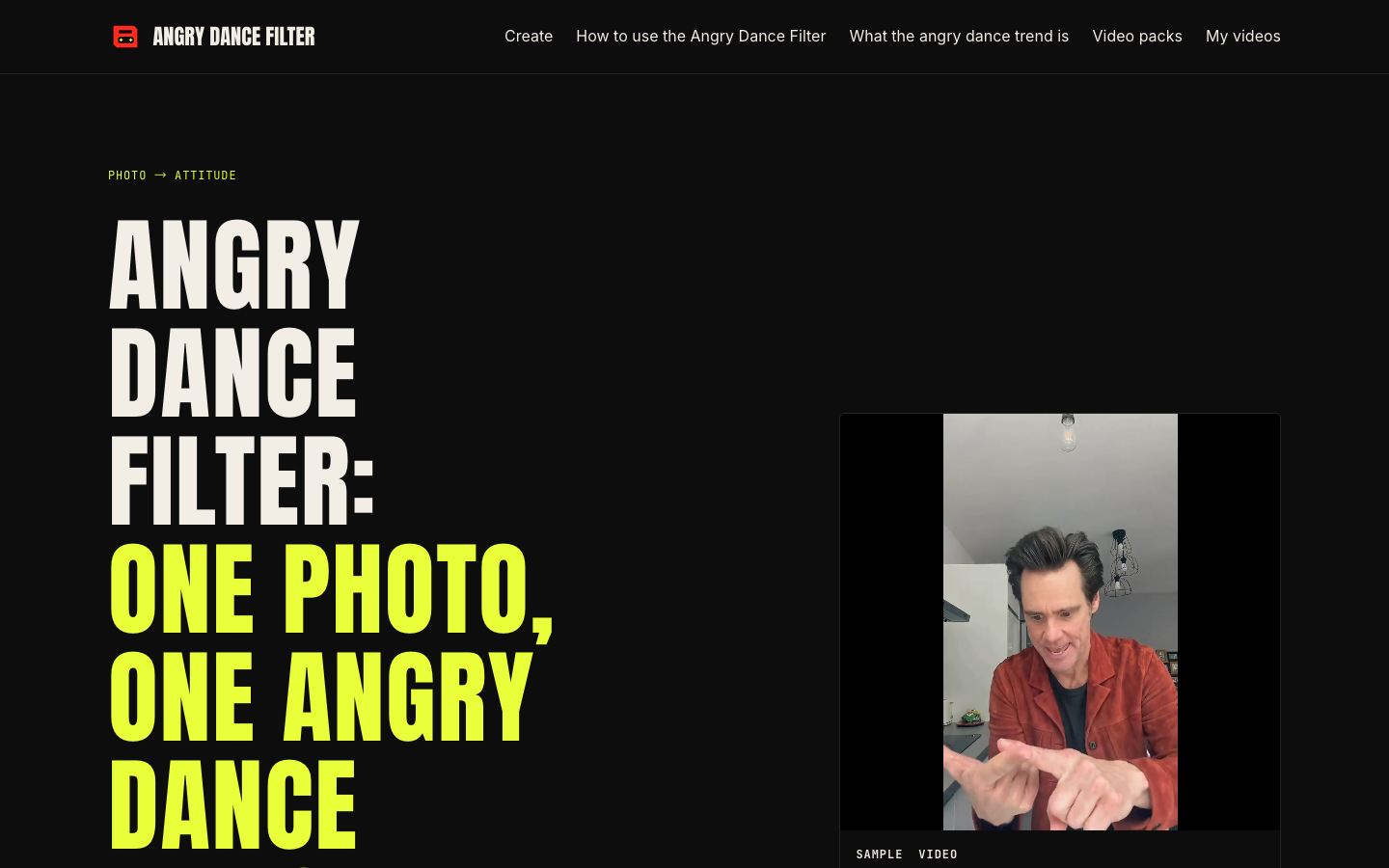
The Angry Dance Filter is an AI-powered web tool that transforms a single static portrait into a short, animated video featuring exaggerated expressive movements. By analyzing a front-facing photograph, the system infers dynamic poses and facial expressions, converting a frozen moment into a lively clip lasting only a few seconds. Unlike traditional motion capture or dance recording workflows, this application requires no prior video footage or performance skills. Users simply upload a compliant image, and the algorithm generates a stylized animation based on creative direction prompts. The to

Angry Dance Filter screenshot
Try Angry Dance Filter

Website: angrydancefilter.com

What is Angry Dance Filter?

The Angry Dance Filter is an AI-powered web tool that transforms a single static portrait into a short, animated video featuring exaggerated expressive movements. By analyzing a front-facing photograph, the system infers dynamic poses and facial expressions, converting a frozen moment into a lively clip lasting only a few seconds. Unlike traditional motion capture or dance recording workflows, this application requires no prior video footage or performance skills. Users simply upload a compliant image, and the algorithm generates a stylized animation based on creative direction prompts. The to

At a Glance

Pricing
Not specified
Status
Approved
Platform
Web
Category
AI Video Editing, Other AI Tools
Tags
ai-filter, image-animation, photo-to-video, social-media-trend, video-generation

Why Choose Angry Dance Filter

Single Image Animation

Converts one static portrait into a moving video clip using advanced generative algorithms. The system analyzes facial structure and lighting to produce coherent motion without requiring multiple frames or external video files.

Exaggerated Expression Synthesis

Applies creative direction to amplify natural facial features into dramatic, humorous movements. The AI interprets subtle cues to generate intense poses that align with the intended angry dance concept.

Private Account Library

Stores all uploaded references and generated outputs within a secure personal dashboard. Users maintain full control over their media assets, ensuring sensitive portraits remain confidential during the creation process.

Style Preview System

Provides access to sample reaction videos and reference clips before generation begins. This allows users to verify the visual aesthetic matches their expectations and understand how the final output will appear.

Streamlined Upload Workflow

Guides participants through strict photo requirements including front-facing angles, even lighting, and unobstructed faces. The interface enforces these standards automatically to guarantee consistent animation quality across different devi

How to Use Angry Dance Filter

  1. 1

    Prepare Your Reference Image

    Select a clear, front-facing portrait of yourself or a consenting adult, ensuring even lighting and no obstructions like sunglasses or hands covering the face.

  2. 2

    Access the Generator Interface

    Navigate to the official Angry Dance Filter website and locate the main call-to-action button to open the image upload portal and review the current sample clips.

  3. 3

    Submit and Process the Photo

    Upload the selected portrait into the designated field, confirm compliance with the stated guidelines, and allow the system to render the animated sequence.

  4. 4

    Review and Export Results

    Inspect the generated video for accuracy and style alignment, then download the file or share it directly to your preferred social media platform.

Best For

  • Social Media Profile Enhancement

    Who: Content creators and influencers · Quickly transforms static profile pictures into engaging Angry Dance Filter videos that increase click-through rates and audience interaction.

  • Personal Gift Creation

    Who: Friends and family members · Turns casual group photos or individual portraits into humorous animated keepsakes, providing a unique digital present without requiring professional editing skills.

  • Marketing Campaign Visuals

    Who: Small business owners and brand managers · Generates consistent, attention-grabbing motion graphics for promotional posts, helping brands stand out in crowded feeds while maintaining a playful tone.

  • Virtual Event Participation

    Who: Remote teams and online community organizers · Replaces static avatars with dynamic video representations during virtual meetings or livestreams, fostering a more lively and interactive digital environment.

Strict Photo Submission Guidelines

To ensure optimal animation quality, the Angry Dance Filter enforces specific input standards. Submissions must feature a single adult facing forward with balanced lighting. Avoid group shots, heavy makeup that obscures natural features, sunglasses, or cropped chat screenshots. Original high-resolution images perform b

Frequently Asked Questions About Angry Dance Filter

Does the Angry Dance Filter require any special software installation?

No, the tool operates entirely through a web browser. Users can access the generator directly from the official site without downloading applications or plugins.

How long does the generated video typically last?

Each output usually runs for a few seconds, designed specifically for short-form content platforms and quick social media sharing cycles.

Can I use images of other people for the Angry Dance Filter?

Only if you have explicit permission from the individuals depicted. The workflow strictly requires consent from adults featured in the reference photographs.

What happens to my uploaded photos after processing?

All submitted images are stored securely within your private account library. The system does not publicly share raw uploads unless you choose to distribute the final video.

Are there specific lighting conditions required for better results?

Yes, even illumination across the face yields the most accurate animations. Harsh shadows or extreme backlighting may interfere with the AI's ability to track facial features.

How do I purchase access to generate multiple videos?

Users can browse the available video packs on the pricing page, select a tier that matches their needs, and complete the transaction to unlock batch generation capabilities.