Sponsored byMixinflow
AI ChatAI WritingImage GenerationAI BusinessApproved
getlyraai icon

getlyraai

Lyra is an AI assistant that operates within Telegram, designed to understand

Lyra is an AI assistant that operates within Telegram, designed to understand and respond to a wide range of inputs including text, voice, photos, and documents. It can generate detailed answers, create images from descriptions, transcribe voice messages, analyze document content, and even draft and send emails on your behalf. Lyra supports multilingual communication and can be integrated into group chats. The service offers a free trial, followed by subscription plans and options for purchasing additional image credits, all managed through Telegram Stars.

getlyraai screenshot
Try getlyraai

Website: getlyraai.com

What is getlyraai?

Lyra is an AI assistant that operates within Telegram, designed to understand and respond to a wide range of inputs including text, voice, photos, and documents. It can generate detailed answers, create images from descriptions, transcribe voice messages, analyze document content, and even draft and send emails on your behalf. Lyra supports multilingual communication and can be integrated into group chats. The service offers a free trial, followed by subscription plans and options for purchasing additional image credits, all managed through Telegram Stars.

At a Glance

Pricing
Not specified
Status
Approved
Platform
Web
Category
AI Chat, AI Writing, Image Generation, AI Business
Tags
ai-assistant, document-analysis, email-automation, telegram-bot, text-generation, voice-transcription, image-generation

Why Choose getlyraai

Smart Dialogue

Lyra remembers the context of your conversations, allowing for more coherent and detailed responses. This feature ensures a natural flow in interactions. Lyra is an AI assistant that operates within Telegram, designed to understand and respond to a wide range of inputs including text, voice, photos, and documents.

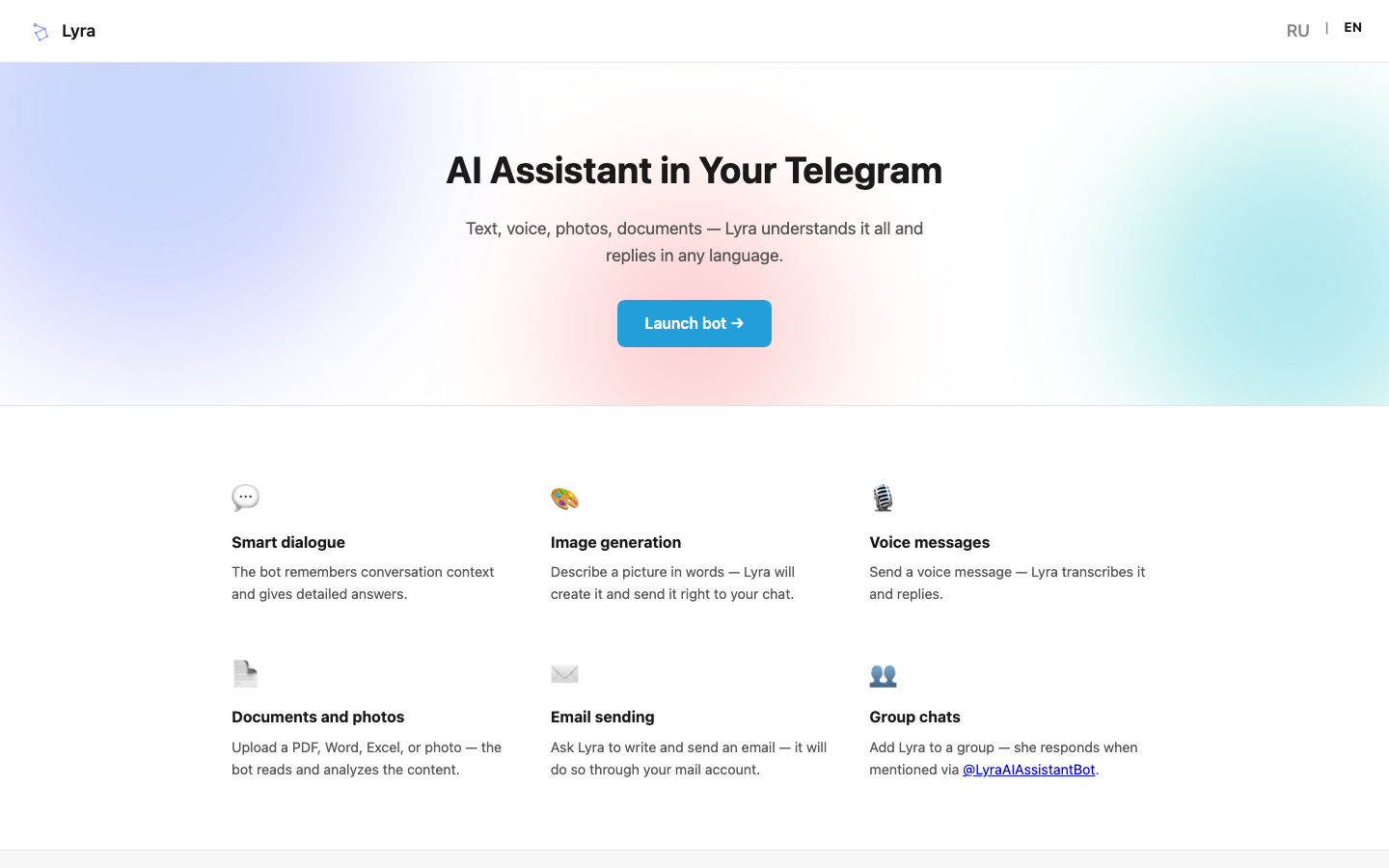
Image Generation

Describe any image you envision, and Lyra will generate it for you, delivering the result directly within your Telegram chat. Lyra is an AI assistant that operates within Telegram, designed to understand and respond to a wide range of inputs including text, voice, photos, and documents.

Voice Message Transcription

Send voice messages to Lyra, and it will transcribe them into text before responding, making voice communication seamless. Lyra is an AI assistant that operates within Telegram, designed to understand and respond to a wide range of inputs including text, voice, photos, and documents.

Document and Photo Analysis

Upload files such as PDFs, Word documents, Excel sheets, or photos, and Lyra can read and analyze their content. Lyra is an AI assistant that operates within Telegram, designed to understand and respond to a wide range of inputs including text, voice, photos, and documents.

Email Sending

Lyra can compose and send emails directly from your mail account upon your request, streamlining communication tasks. Lyra is an AI assistant that operates within Telegram, designed to understand and respond to a wide range of inputs including text, voice, photos, and documents.

Group Chat Integration

Add Lyra to your Telegram group chats, where it can respond when mentioned using its specific bot handle. Lyra is an AI assistant that operates within Telegram, designed to understand and respond to a wide range of inputs including text, voice, photos, and documents.

How to Use getlyraai

  1. 1

    Launch Lyra Bot

    Find and start the Lyra AI Assistant bot directly within your Telegram application.

  2. 2

    Interact with Lyra

    Send text messages, voice notes, photos, or documents to Lyra to receive assistance or generate content.

  3. 3

    Request Specific Actions

    Ask Lyra to generate images, transcribe voice, analyze documents, or draft emails by providing clear instructions.

  4. 4

    Manage Subscription

    Explore the free trial and choose a subscription plan or purchase image packs using Telegram Stars if needed.

Best For

  • Quickly generating creative images for social media posts.

    Who: Social media managers and content creators · Saves time and effort in finding or creating visuals.

  • Summarizing long documents or extracting key information.

    Who: Students and researchers · Facilitates faster comprehension and analysis of study materials.

  • Drafting and sending professional emails on the go.

    Who: Busy professionals · Improves productivity by handling routine communication tasks efficiently.

  • Getting quick answers and engaging in smart conversations.

    Who: General users · Provides instant information and a conversational AI experience within a familiar app.

  • Transcribing voice notes for easy reference.

    Who: Individuals who prefer voice input · Converts spoken words into text for easier searching and sharing.

  • Collaborating in group chats with AI assistance.

    Who: Team members in group chats · Enhances group discussions and task management with AI support.

Frequently Asked Questions About getlyraai

How do I start using Lyra?

You can start using Lyra by launching the bot directly within Telegram. A free trial is available upon first use.

What types of content can Lyra process?

Lyra can process text, voice messages, photos, and documents (like PDF, Word, Excel).

Can Lyra generate images?

Yes, Lyra can generate images based on your textual descriptions.

How does the subscription work?

Subscriptions provide a monthly allowance for text, voice, document, and photo requests, along with a set number of image generations. Payment is handled via Telegram Stars.

Can Lyra be used in group chats?

Yes, you can add Lyra to your group chats, and it will respond when mentioned using its @LyraAIAssistantBot handle.

Is there a cost to use Lyra?

Lyra offers a free trial. After the trial, you can choose a subscription plan or purchase additional image packs. Payment is made using Telegram Stars.

Does Lyra remember past conversations?

Yes, Lyra is designed to remember conversation context to provide more relevant and detailed answers.