
Sponsored byMixinflow
Design AssistanceAI ProductivityAI Research & KnowledgeApproved
PaperFig icon

PaperFig

PaperFig is an AI-powered scientific figure generator designed specifically for researchers and

PaperFig is an AI-powered scientific figure generator designed specifically for researchers and academics. It transforms plain-language descriptions, rough sketches, or existing images into clear, publication-ready scientific illustrations. Users can quickly develop mechanisms, workflows, graphical abstracts, and journal figures without manually arranging icons and labels. The platform supports multiple input formats, including text prompts, sketches, photos, and PDFs, making it accessible for early-stage ideation or final manuscript preparation. With features like editable labels, high-resolu

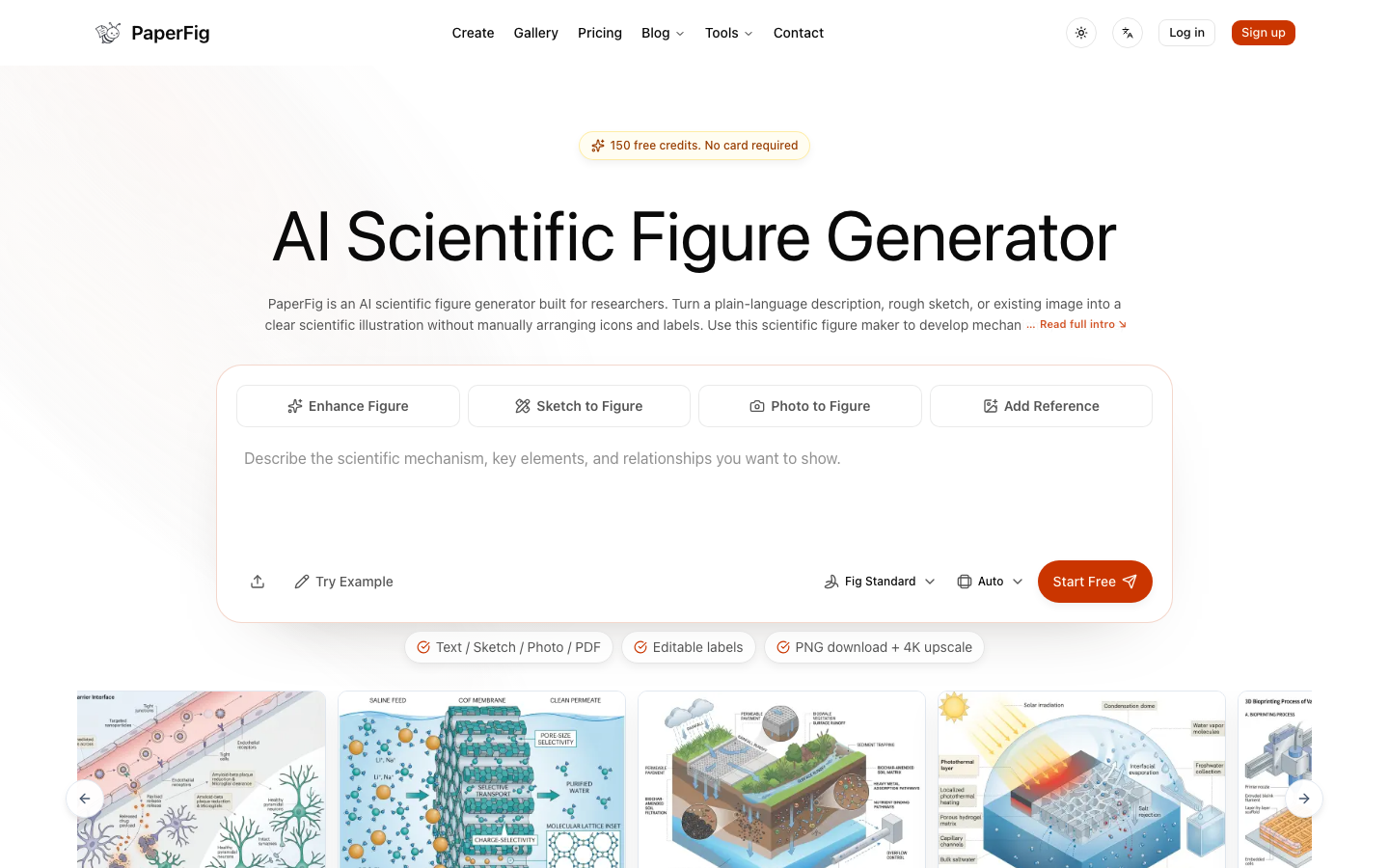
PaperFig screenshot
Try PaperFig

Website: paperfig.io

What is PaperFig?

PaperFig is an AI-powered scientific figure generator designed specifically for researchers and academics. It transforms plain-language descriptions, rough sketches, or existing images into clear, publication-ready scientific illustrations. Users can quickly develop mechanisms, workflows, graphical abstracts, and journal figures without manually arranging icons and labels. The platform supports multiple input formats, including text prompts, sketches, photos, and PDFs, making it accessible for early-stage ideation or final manuscript preparation. With features like editable labels, high-resolu

At a Glance

Pricing
Not specified
Status
Approved
Platform
Web
Category
Design Assistance, AI Productivity, AI Research & Knowledge
Tags
academic-publishing, ai-image-generation, graphical-abstracts, publication-ready, research-illustrations, scientific-figures

Why Choose PaperFig

Multi-Format Input Processing

Accepts plain text descriptions, hand-drawn sketches, reference photographs, and PDF documents to create customized scientific illustrations tailored to specific research contexts. PaperFig is an AI-powered scientific figure generator designed specifically for researchers and academics. It transforms plain-language descriptions, rough sketches, or existing images into clear, pu

Editable Label System

Provides customizable text overlays and annotation tools that allow researchers to precisely adjust terminology, units, and experimental parameters before finalizing their illustrations. PaperFig is an AI-powered scientific figure generator designed specifically for researchers and academics. It transforms plain-language descriptions, rough sketches, or existing images into cle

High-Resolution Export Options

Delivers polished PNG files with built-in 4K upscaling capabilities, ensuring crisp graphics that meet strict academic journal formatting requirements. PaperFig is an AI-powered scientific figure generator designed specifically for researchers and academics. It transforms plain-language descriptions, rough sketches, or existing images into clear, publication-ready scientific.

Discipline-Specific Templates

Offers curated visual styles and structural layouts optimized for fields like biomedicine, materials science, environmental engineering, energy systems, bioengineering, computer science, and geoscience. PaperFig is an AI-powered scientific figure generator designed specifically for researchers and academics. It transforms plain-language descriptions, rough sketches, or existing

Tiered Generation Modes

PaperFig utilizes a flexible credit system with Standard and Refined modes, balancing faster draft creation with higher-detail rendering for final publication polish. PaperFig is an AI-powered scientific figure generator designed specifically for researchers and academics. It transforms plain-language descriptions, rough sketches, or existing images into clear, publication-read

How to Use PaperFig

  1. 1

    Prepare Your Research Concept

    Gather your experimental data, draw a rough layout, or write a detailed description of the mechanism you want to visualize.

  2. 2

    Select Input Method and Format

    Upload your sketch, photo, or PDF, or type a text prompt while choosing the desired aspect ratio and output style.

  3. 3

    Generate and Refine Illustration

    Review the PaperFig-generated draft, adjust labels and annotations using the editing tools, and switch between Standard or Refined generation modes.

  4. 4

    Export Final Publication Graphics

    Download the polished image as a high-resolution PNG file ready for direct insertion into manuscripts, presentations, or lab reports.

Best For

  • Preparing a graphical abstract for a peer-reviewed journal submission

    Who: Academic researchers and PhD candidates · Accelerates visual storytelling and ensures compliance with strict editorial guidelines through automated layout generation.

  • Creating mechanism diagrams for a laboratory presentation or conference poster

    Who: Graduate students and principal investigators · Translates complex experimental workflows into clear, professional visuals without requiring advanced design software skills.

  • Developing standardized icon sets for multi-disciplinary collaboration projects

    Who: Cross-functional research teams and science communicators · Maintains consistent visual language across different scientific domains while saving hours of manual drafting time.

  • Generating quick reference figures for teaching materials or course lectures

    Who: University professors and educational content creators · Produces accurate, easily editable diagrams that help students grasp difficult theoretical concepts faster.

Frequently Asked Questions About PaperFig

What types of inputs does PaperFig accept for generating scientific figures?

The platform accepts plain-text descriptions, hand-drawn sketches, reference photographs, and PDF documents to create customized scientific illustrations.

Can I edit the generated labels and annotations after the initial creation?

Yes, users can modify all text overlays, adjust positioning, and refine terminology using the built-in editing interface before exporting.

How does the credit system work for different generation modes?

PaperFig uses a credit-based model where Standard mode offers faster drafts and Refined mode provides higher-detail rendering for final publication quality.

Is there a free tier available for new users?

New accounts receive complimentary credits to test the platform without requiring payment information upfront.

Which scientific disciplines are supported by the pre-built templates?

The tool includes specialized visual frameworks for biomedicine, materials science, environmental studies, energy research, bioengineering, computer science, and geoscience.

What file formats are available for downloading finished illustrations?

Completed figures can be exported as high-resolution PNG files with optional 4K upscaling to meet academic publishing standards.