
Sponsored byMixinflow
AI ProductivityAI WritingAI Convert ToolApproved
pdftowordai icon

pdftowordai

PDF to Word Converter is an online tool that transforms PDF documents

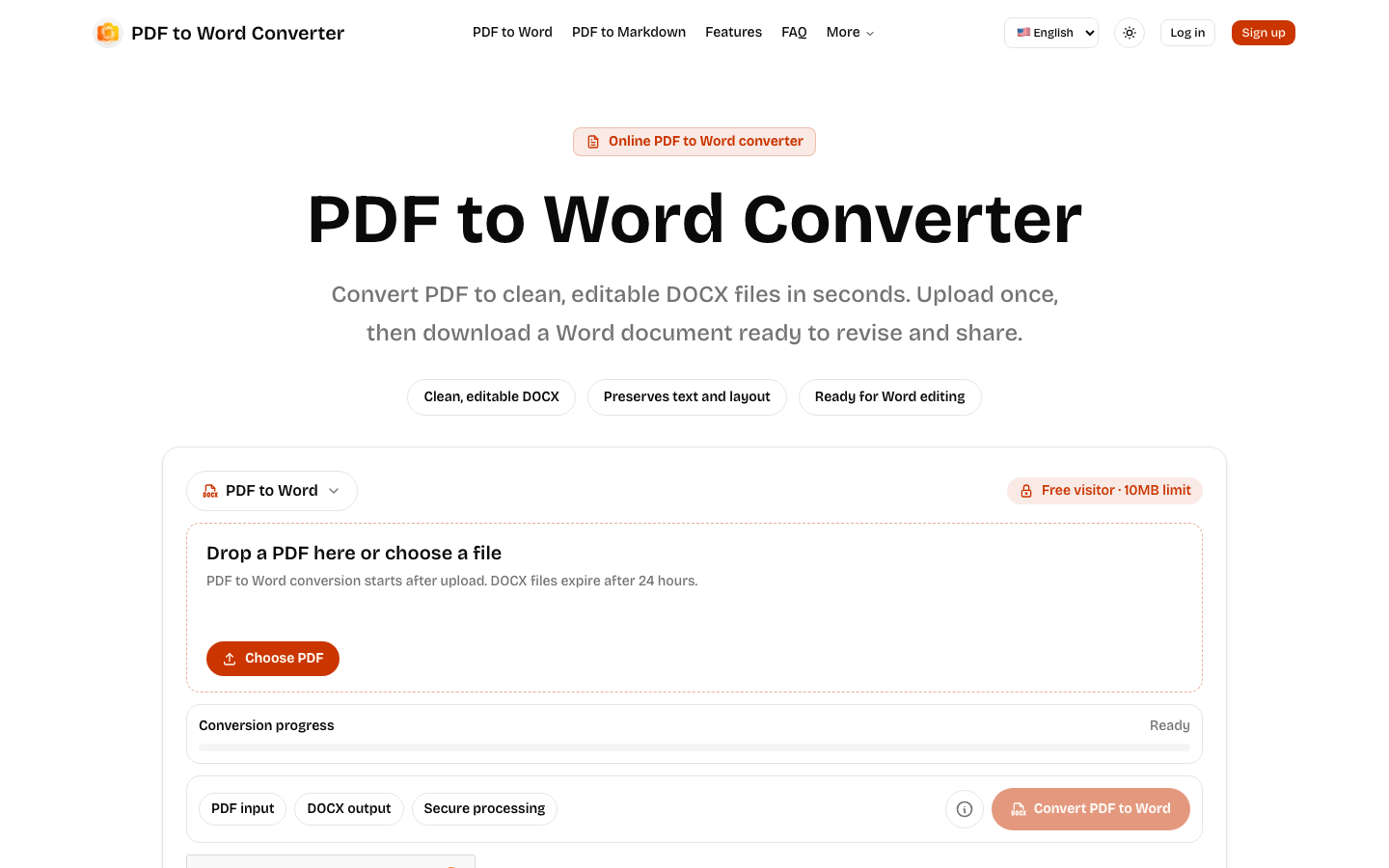
PDF to Word Converter is an online tool that transforms PDF documents into editable DOCX files. It preserves text and layout, making your documents ready for revision and sharing in Microsoft Word or compatible editors. The process is secure, with files expiring after a set period. This AI-powered converter aims to provide a seamless experience for converting PDFs into a usable Word format, ensuring that the integrity of the original content is maintained as much as possible during the conversion.

pdftowordai screenshot
Try pdftowordai

Website: pdftowordai.com

What is pdftowordai?

PDF to Word Converter is an online tool that transforms PDF documents into editable DOCX files. It preserves text and layout, making your documents ready for revision and sharing in Microsoft Word or compatible editors. The process is secure, with files expiring after a set period. This AI-powered converter aims to provide a seamless experience for converting PDFs into a usable Word format, ensuring that the integrity of the original content is maintained as much as possible during the conversion.

At a Glance

Pricing
Not specified
Status
Approved
Platform
Web
Category
AI Productivity, AI Writing, AI Convert Tool
Tags
ai-tools, document-conversion, docx, editable-documents, online-converter, pdf-to-word

Why Choose pdftowordai

Clean, Editable DOCX Output

Converts PDF files into clean, editable DOCX documents that are ready for immediate use in Word or other compatible editing software. PDF to Word Converter is an online tool that transforms PDF documents into editable DOCX files. It preserves text and layout, making your documents ready for.

Preserves Text and Layout

The converter is designed to maintain the original text and layout structure of your PDF document, ensuring a faithful conversion. PDF to Word Converter is an online tool that transforms PDF documents into editable DOCX files. It preserves text and layout, making your documents ready for.

Secure Processing

Your PDF files are uploaded and processed securely, with a commitment to privacy and temporary storage of documents. PDF to Word Converter is an online tool that transforms PDF documents into editable DOCX files. It preserves text and layout, making your documents ready for.

Temporary File Expiration

Converted DOCX files expire after a set duration, enhancing security and managing storage. PDF to Word Converter is an online tool that transforms PDF documents into editable DOCX files. It preserves text and layout, making your documents ready for.

Multiple Upload Options

Users can upload PDFs directly from their device, with varying file size limits based on user status (free, signed-in, paid). PDF to Word Converter is an online tool that transforms PDF documents into editable DOCX files. It preserves text and layout, making your documents ready for.

How to Use pdftowordai

  1. 1

    Upload Your PDF

    Choose a PDF file from your device to initiate the conversion process.

  2. 2

    Wait for Processing

    Allow the PDF to Word Converter to process your file; the status will update in real time.

  3. 3

    Download the Word Document

    Once conversion is complete, download the generated DOCX file, ready for editing.

Best For

  • Editing Scanned Documents

    Who: Students and professionals · Easily edit scanned reports, essays, or forms by converting them into editable Word documents.

  • Repurposing PDF Content

    Who: Content creators and marketers · Extract text and structure from PDF articles or brochures to reuse in blog posts or marketing materials.

  • Collaborating on Documents

    Who: Teams and collaborators · Convert shared PDF proposals or agreements into Word format for seamless collaborative editing and feedback.

  • Archiving and Updating Records

    Who: Administrators and record keepers · Update outdated PDF records by converting them to Word, allowing for easy modification and re-archiving.

Core Capability Preview

Watch a brief walkthrough demonstrating the PDF to Word conversion experience, highlighting the ease of use and the final output.

Before & After Conversion Preview

Compare an original PDF document with its converted DOCX version to see the accuracy of the text flow, structure, and layout preservation provided by the PDF to Word Converter.

Frequently Asked Questions About pdftowordai

How does the PDF to Word Converter work?

The PDF to Word Converter uses AI to analyze your PDF document, extract its content and layout, and then reconstruct it as an editable DOCX file.

Is the conversion process secure?

Yes, the PDF to Word Converter prioritizes security. Your uploaded files are processed securely and are temporary by design, expiring after a set period.

What is the file size limit for conversion?

Free visitors have a 10MB limit. Signed-in users can convert files up to 20MB, and paid users have a limit of up to 100MB per file.

How long do the converted DOCX files last?

Converted DOCX files expire after 24 hours, ensuring your data is not stored indefinitely.

Can I edit the converted DOCX file immediately?

Yes, the DOCX files generated by the PDF to Word Converter are designed to be clean and editable, ready for immediate use in Microsoft Word, Google Docs, or other compatible editors.

Does the converter preserve formatting?

The PDF to Word Converter aims to preserve the original text and layout as accurately as possible, making the converted DOCX file ready for revision.

What happens if my PDF has images?

The converter focuses on text and layout conversion. While it aims to maintain structure, complex image placements might require minor adjustments in the DOCX file.