Sponsored byMixinflow
AI ProductivityAI Convert ToolApproved
VideoSlimmer icon

VideoSlimmer

VideoSlimmer is a private online video compressor that allows you to reduce

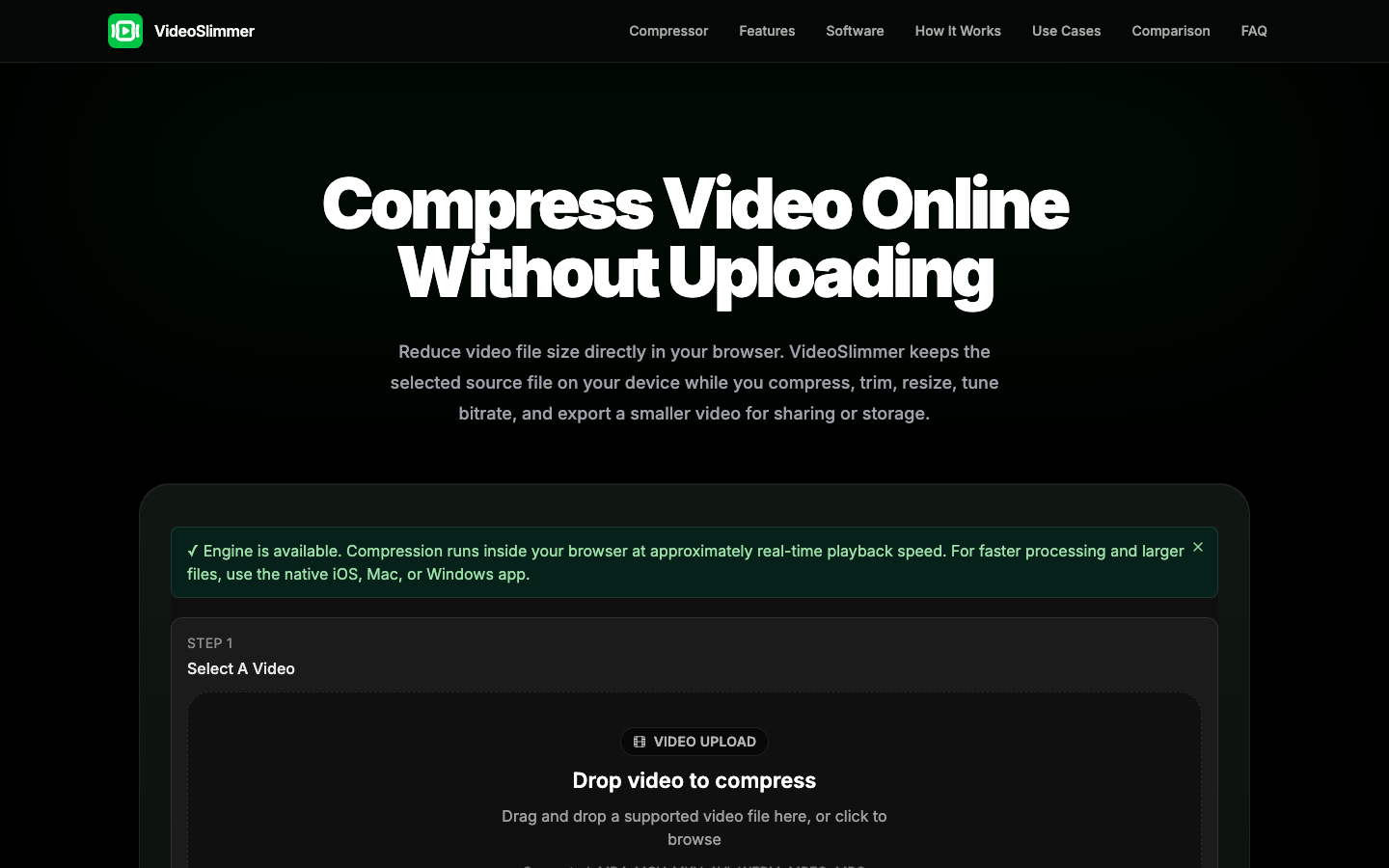
VideoSlimmer is a private online video compressor that allows you to reduce the file size of your videos directly in your browser without uploading them. It supports various formats like MP4, MOV, and WebM, enabling you to trim, resize, adjust bitrate, and remove audio. The compression engine runs locally, ensuring your original files remain on your device. For larger files or faster processing, VideoSlimmer also offers native applications for iOS, Mac, and Windows, providing offline capabilities and enhanced performance for extensive video editing needs.

VideoSlimmer screenshot
Try VideoSlimmer

Website: videoslimmer.com

What is VideoSlimmer?

VideoSlimmer is a private online video compressor that allows you to reduce the file size of your videos directly in your browser without uploading them. It supports various formats like MP4, MOV, and WebM, enabling you to trim, resize, adjust bitrate, and remove audio. The compression engine runs locally, ensuring your original files remain on your device. For larger files or faster processing, VideoSlimmer also offers native applications for iOS, Mac, and Windows, providing offline capabilities and enhanced performance for extensive video editing needs.

At a Glance

Pricing
Free
Status
Approved
Platform
Web
Category
AI Productivity, AI Convert Tool
Tags
mov-compressor, mp4-compressor, online-video-editor, private-video-processing, resize-video, trim-video, video-compression, webm-compressor

Why Choose VideoSlimmer

No Upload Compression

Compress videos directly in your browser without sending your original files to a server, ensuring privacy and speed for real-world files. VideoSlimmer is a private online video compressor that allows you to reduce the file size of your videos directly in your browser without uploading them. It.

Format and Quality Control

Adjust resolution, bitrate, FPS, and select output formats like WebM or MP4. Use presets or custom settings to fine-tune video quality and size. VideoSlimmer is a private online video compressor that allows you to reduce the file size of your videos directly in your browser without uploading them. It.

Trim and Resize

Easily trim the start and end points of your video or adjust its dimensions to meet specific requirements for sharing or storage. VideoSlimmer is a private online video compressor that allows you to reduce the file size of your videos directly in your browser without uploading them. It.

Audio Management

Option to remove audio from your video files during the compression process, further reducing file size if audio is not needed. VideoSlimmer is a private online video compressor that allows you to reduce the file size of your videos directly in your browser without uploading them. It.

Native App Integration

Access offline processing, handle larger files, and achieve smoother exports with dedicated apps for iOS, Mac, and Windows. VideoSlimmer is a private online video compressor that allows you to reduce the file size of your videos directly in your browser without uploading them. It.

How to Use VideoSlimmer

  1. 1

    Select Your Video

    Drag and drop your video file into the designated area or click to browse and select a supported video file (MP4, MOV, MKV, AVI, WEBM, MPEG, MPG) from your device.

  2. 2

    Configure Compression Settings

    Choose a quality preset (High, Medium, Low) or customize settings like trim start/end times, resolution, bitrate, and format (WebM or MP4).

  3. 3

    Start Compression and Download

    Initiate the compression process by clicking 'Start Compression'. Once complete, preview the result and download the smaller video file to your device.

Best For

  • Reducing video size for email attachments

    Who: Individuals and professionals · Easily share videos without exceeding attachment limits by compressing them using VideoSlimmer.

  • Optimizing videos for web sharing

    Who: Content creators and marketers · Ensure faster loading times and better user experience on websites and social media by compressing videos with VideoSlimmer.

  • Freeing up local storage space

    Who: Users with limited disk space · Reduce the size of personal video collections stored on computers or mobile devices using VideoSlimmer's compression features.

  • Preparing screen recordings for tutorials

    Who: Educators and software demonstrators · Create smaller, more manageable video files for online courses or demonstrations without compromising essential visual quality.

  • Compressing footage for mobile viewing

    Who: Anyone on the go · Make videos more accessible for viewing on mobile devices with limited data plans or storage by reducing their file size with VideoSlimmer.

Frequently Asked Questions About VideoSlimmer

Does VideoSlimmer upload my original video files?

No, VideoSlimmer is designed for private, no-upload compression. Your original video files are processed directly in your browser and remain on your device.

What video formats does VideoSlimmer support?

VideoSlimmer supports common formats including MP4, MOV, MKV, AVI, WebM, MPEG, and MPG for online compression. The native apps may support additional formats.

Can I adjust the video quality?

Yes, you can use quality presets or customize settings like bitrate and resolution to control the output quality and file size of your compressed video.

Is there a limit to the video file size for online compression?

While the browser-based compressor works with real-world files, very large files might be processed more efficiently using the native VideoSlimmer apps for iOS, Mac, or Windows.

Can I remove audio from my video?

Yes, VideoSlimmer provides an option to remove audio during the compression process, which can help further reduce the video file size.

How fast is the online compression?

The online compression engine runs at approximately real-time playback speed within your browser. For faster processing, especially with larger files, the native apps are recommended.

What are the benefits of using the native VideoSlimmer apps?

The native apps offer offline processing, support for larger files, smoother long-video exports, and potentially faster compression speeds compared to the browser-based tool.