
Sponsored byMixinflow
Video GenerationAI WritingApproved
Gemini Omni Video Generator icon

Gemini Omni Video Generator

Gemini Omni Video Generator is an AI-powered workspace designed to leverage Google's

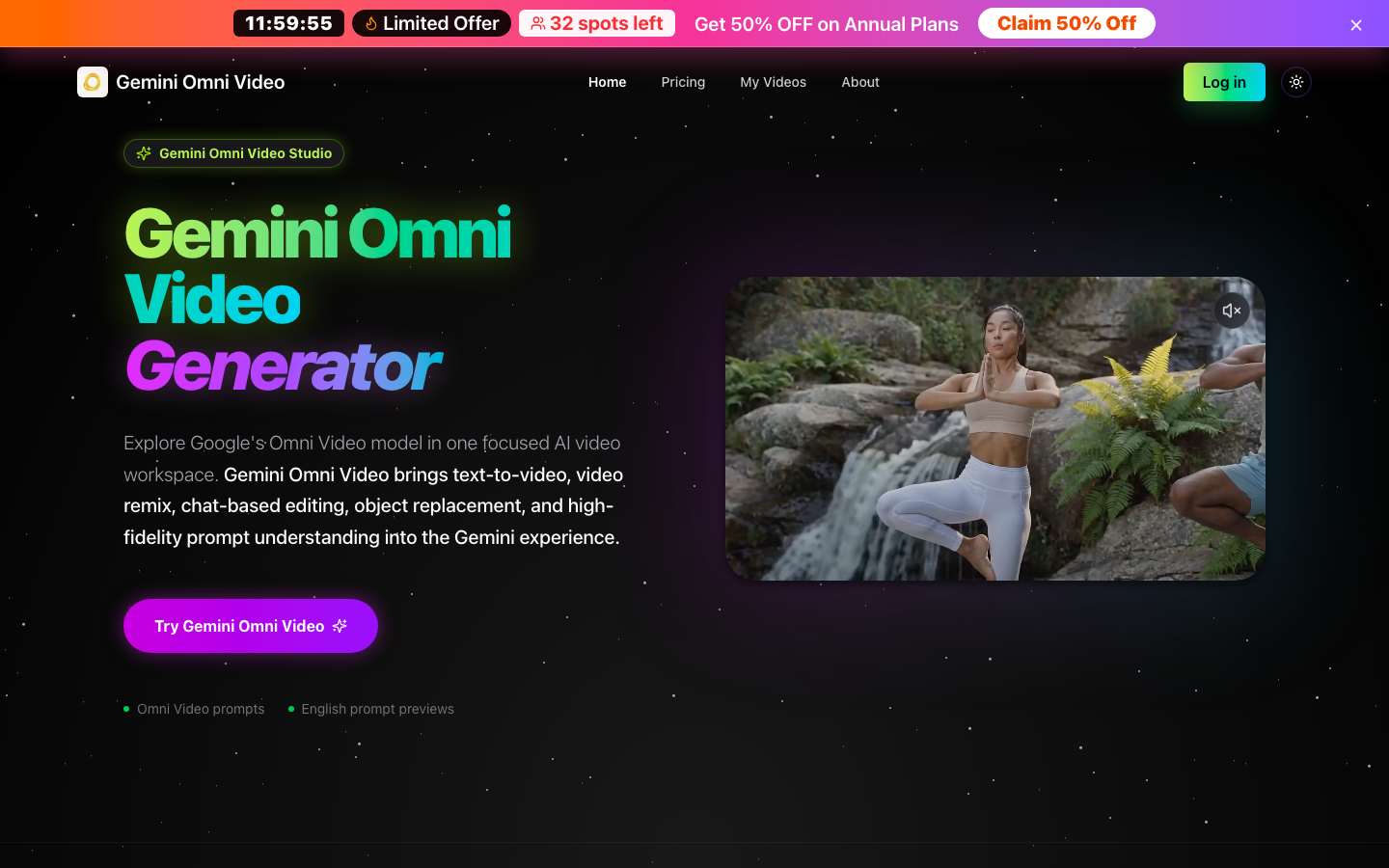
Gemini Omni Video Generator is an AI-powered workspace designed to leverage Google's Omni Video model. It offers a focused environment for creating and editing videos using advanced AI capabilities. This tool integrates text-to-video generation, video remixing, chat-based editing, and object replacement, all within a Gemini-style workflow. Gemini Omni Video Generator aims to simplify complex video creation tasks, allowing users to generate and modify video content through natural language prompts and intuitive controls.

Gemini Omni Video Generator screenshot
Try Gemini Omni Video Generator

Website: gemini-omni.studio

What is Gemini Omni Video Generator?

Gemini Omni Video Generator is an AI-powered workspace designed to leverage Google's Omni Video model. It offers a focused environment for creating and editing videos using advanced AI capabilities. This tool integrates text-to-video generation, video remixing, chat-based editing, and object replacement, all within a Gemini-style workflow. Gemini Omni Video Generator aims to simplify complex video creation tasks, allowing users to generate and modify video content through natural language prompts and intuitive controls.

At a Glance

Pricing
Not specified
Status
Approved
Platform
Web
Category
Video Generation, AI Writing
Tags
ai-editing, object-replacement, prompt-understanding, text-to-video, video-generator, video-remix

Why Choose Gemini Omni Video Generator

Omni Video Generation

Create videos from text or image prompts, with capabilities for realistic motion, specific styles like anime, and readable text within scenes. Gemini Omni Video Generator supports various resolutions and aspect ratios.

Video Remixing

Transform existing video clips using natural language instructions. Gemini Omni Video Generator allows for dynamic modifications to content and style without traditional editing software.

Chat-Based Editing

Edit video scenes through conversational instructions. Gemini Omni Video Generator enables users to perform actions like object replacement by simply describing the desired changes.

Object Replacement

Modify specific elements within video scenes by using chat instructions. This feature of Gemini Omni Video Generator allows for precise content adjustments through an intuitive interface.

High-Fidelity Prompt Understanding

Gemini Omni Video Generator excels at interpreting detailed prompts, including subject, motion, camera angles, style, text, audio, and editing instructions for comprehensive video creation.

How to Use Gemini Omni Video Generator

  1. 1

    Access Gemini Omni Video Studio

    Navigate to the Gemini Omni Video Generator platform and log in to your account to access the main workspace.

  2. 2

    Create Your Prompt

    Select the desired workflow (Text to Video, Image to Video, Video Remix, or Chat-Based Editing) and input your detailed prompt, specifying subject, motion, style, and editing instructions for Gemini Omni Video.

  3. 3

    Configure Video Settings

    Adjust parameters such as resolution, duration, and aspect ratio to match your creative vision for the Omni Video.

  4. 4

    Generate and Preview

    Initiate the video generation process using the available credits and preview the resulting Omni Video to assess its quality and adherence to the prompt.

  5. 5

    Refine with Chat Editing

    If needed, use the chat-based editing features of Gemini Omni Video Generator to make further adjustments, such as object replacement or content modifications.

Best For

  • Marketing Content Creation

    Who: Marketing Teams · Quickly generate engaging video ads and social media content using text prompts, saving time and resources with Gemini Omni Video Generator.

  • Educational Material Development

    Who: Educators · Create dynamic explainer videos or visual aids for complex topics, such as mathematical proofs, using Gemini Omni Video Generator's specialized generation capabilities.

  • Creative Storytelling

    Who: Filmmakers and Content Creators · Experiment with unique visual styles, like anime, and generate short video sequences or remix existing footage with natural language commands via Gemini Omni Video.

  • Product Visualization

    Who: Designers and Product Managers · Generate realistic product demonstrations or visualize design concepts through video, incorporating specific object replacements as needed with Gemini Omni Video Generator.

  • Personalized Video Messages

    Who: Individuals · Create custom video greetings or messages with specific text and motion elements, making communication more engaging through Gemini Omni Video.

Frequently Asked Questions About Gemini Omni Video Generator

What is Gemini Omni Video Generator?

Gemini Omni Video Generator is an AI-powered workspace that utilizes Google's Omni Video model for text-to-video generation, video remixing, and chat-based editing.

What types of video generation does Gemini Omni Video support?

Gemini Omni Video supports text-to-video and image-to-video generation, as well as video remixing and chat-based editing functionalities.

Can I edit existing videos with Gemini Omni Video Generator?

Yes, Gemini Omni Video Generator allows you to remix existing clips and perform chat-based editing, including object replacement, using natural language instructions.

What makes the prompt understanding in Gemini Omni Video strong?

Gemini Omni Video Generator is built to understand detailed prompts that include subject, motion, camera, style, text, audio, and editing instructions for precise video creation.

What are some examples of strong Omni Video prompts?

Strong prompts often focus on readable text, mathematical chalkboard proofs, realistic motion, anime-style scenes, and natural-language edits that modify video content effectively.

How does the chat-based editing work in Gemini Omni Video?

Chat-based editing allows you to modify video content, such as replacing objects or changing scenes, by simply typing instructions into the chat interface within Gemini Omni Video Generator.

What resolutions and aspect ratios are supported by Gemini Omni Video Generator?

Gemini Omni Video Generator supports various resolutions, including 720p as default, and aspect ratios such as 16:9, 9:16, 1:1, and 21:9.