Sponsored byMixinflow
AI Image EnhancementAI ProductivityAI Convert ToolApproved
Glimbench icon

Glimbench

Glimbench is a suite of free, privacy-focused AI utilities designed to streamline

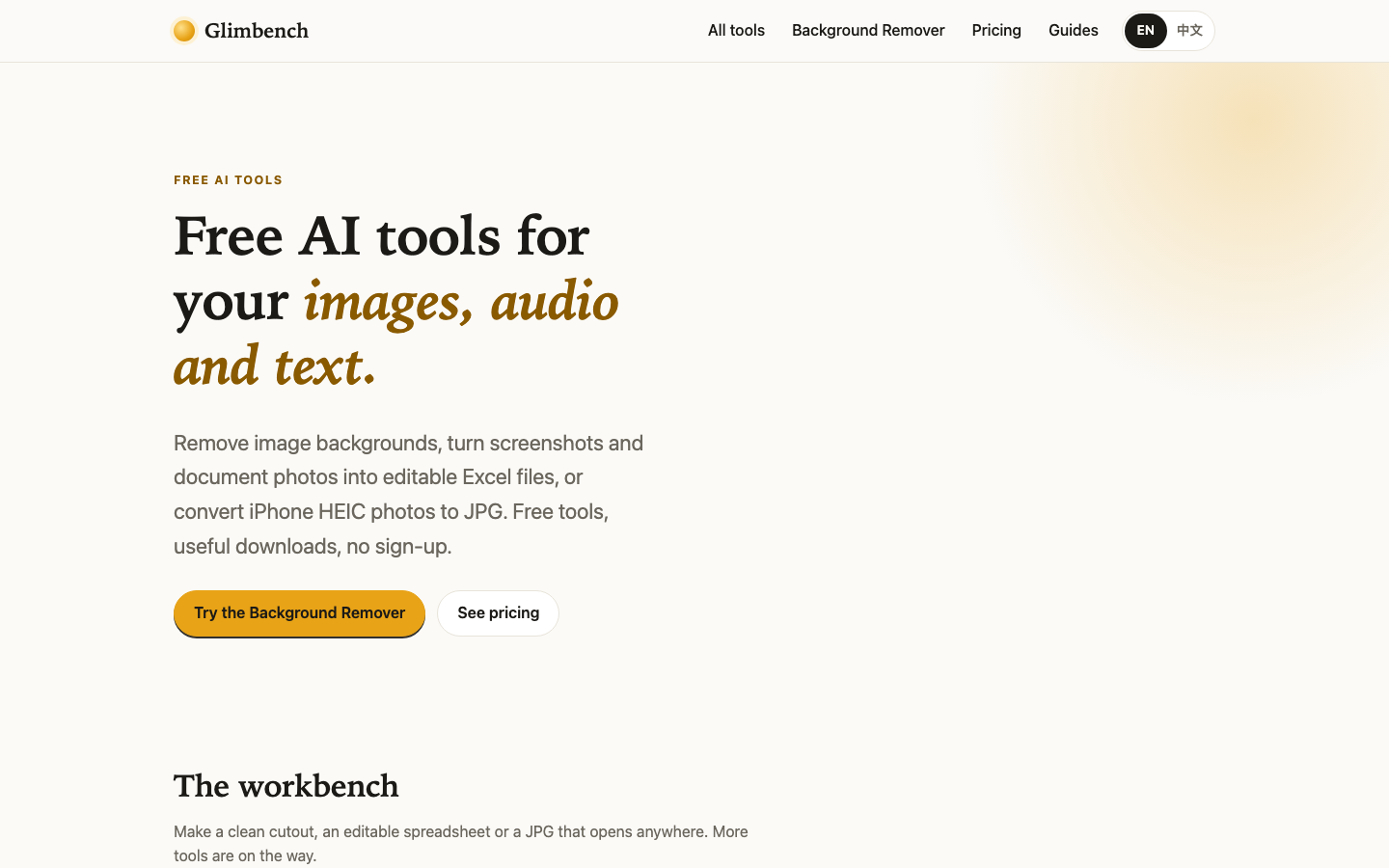
Glimbench is a suite of free, privacy-focused AI utilities designed to streamline everyday image and document tasks directly in your browser. The platform offers essential tools such as a live background remover that extracts subjects into transparent PNGs at original resolution, an image-to-Excel converter that transforms table screenshots into editable spreadsheets, and a HEIC-to-JPG utility for seamless iPhone photo conversion. All outputs are delivered in full size without watermarks or low-resolution previews. Users can process files locally on their device, ensuring data remains private.

Glimbench screenshot
Try Glimbench

Website: glimbench.top

What is Glimbench?

Glimbench is a suite of free, privacy-focused AI utilities designed to streamline everyday image and document tasks directly in your browser. The platform offers essential tools such as a live background remover that extracts subjects into transparent PNGs at original resolution, an image-to-Excel converter that transforms table screenshots into editable spreadsheets, and a HEIC-to-JPG utility for seamless iPhone photo conversion. All outputs are delivered in full size without watermarks or low-resolution previews. Users can process files locally on their device, ensuring data remains private.

At a Glance

Pricing
Not specified
Status
Approved
Platform
Web
Category
AI Image Enhancement, AI Productivity, AI Convert Tool
Tags
background-removal, batch-processing, excel-extraction, file-conversion, image-processing, no-signup, privacy-focused

Why Choose Glimbench

Live Background Removal

Extracts people and products from any photograph instantly via Glimbench, delivering a clean transparent PNG at the original resolution without adding watermarks or reducing image quality.

Screenshot to Excel Conversion

Analyzes table screenshots and document photos to automatically recognize grid structures, generating a downloadable, fully editable Microsoft Excel workbook for quick data extraction. Glimbench is a suite of free, privacy-focused AI utilities designed to streamline everyday image and document tasks directly in your browser. The platform offers essential tools.

HEIC to JPG Utility

Converts Apple-formatted photos into widely compatible JPEG files while allowing users to adjust compression quality, preview results, and download entire batches as compressed ZIP archives.

Local Device Processing

Ensures complete user privacy by running all AI computations directly within the browser environment, meaning uploaded files never leave the user’s device or reach external servers.

Unified Subscription Model

Provides access to batch processing limits, custom presets, and upcoming utilities through a single Pro plan, eliminating repetitive purchases and streamlining workflow management. Glimbench is a suite of free, privacy-focused AI utilities designed to streamline everyday image and document tasks directly in your browser. The platform offers essential tools.

How to Use Glimbench

  1. 1

    Upload Your File

    Navigate to the Glimbench dashboard and drag your image or document into the designated upload area to begin processing.

  2. 2

    Adjust Output Settings

    Configure quality levels, canvas dimensions, or export formats according to your specific requirements before initiating the conversion or removal process.

  3. 3

    Download Results

    Retrieve your processed files directly from the interface, choosing between individual downloads or bulk ZIP packages for efficient project organization.

  4. 4

    Review Quality Checks

    Inspect the final output for edge accuracy, spreadsheet formatting, or color fidelity, and reprocess if adjustments are needed to meet standards.

Best For

  • E-commerce product listing preparation

    Who: Online store owners · Quickly isolate items against white or transparent backgrounds via Glimbench for consistent catalog photography without hiring professional editors.

  • Academic research data collection

    Who: Students and researchers · Instantly transform photographed textbook tables or handwritten notes into structured Excel sheets, saving hours of manual data entry.

  • Mobile photography workflow optimization

    Who: Content creators and casual photographers · Seamlessly convert large batches of iPhone HEIC files to universally compatible JPGs for easy sharing across different platforms and devices.

  • Secure document handling

    Who: Privacy-conscious professionals · Process sensitive financial or legal documents locally without uploading them to third-party cloud servers, maintaining strict confidentiality throughout the workflow.

Privacy-First Architecture

Every operation runs client-side within your active browser session. This architecture eliminates server-side storage risks, complies with strict data protection standards, and ensures that sensitive business documents or personal photographs remain completely confidential during analysis and export.

Frequently Asked Questions About Glimbench

Does Glimbench require an account to use its tools?

No, all utilities are accessible immediately without registration or email verification, allowing instant access to core features.

Are the processed images and documents stored on external servers?

Files are processed entirely on your local device using browser-based technology, ensuring your data never leaves your computer or phone.

What is the free tier limit for batch processing?

The free version allows up to five simultaneous background removals, while higher volumes and advanced presets require upgrading to the Pro plan.

Can I convert multiple HEIC photos at once?

Yes, the utility supports batch uploads, letting you convert dozens of iPhone images simultaneously and download them together as a single ZIP file.

How accurate is the table recognition feature?

The converter reliably identifies standard grid layouts and text alignment, producing clean Excel files that may require minor formatting adjustments for complex designs.

Is there a cost for downloading full-resolution outputs?

All standard downloads are provided at original resolution without watermarks or hidden fees, though batch capabilities and presets are reserved for subscribers.