Sponsored byMixinflow
AI ProductivityReference & InformationAI Office ToolsApproved
minota icon

minota

Minota is a personal AI assistant designed to help you organize your

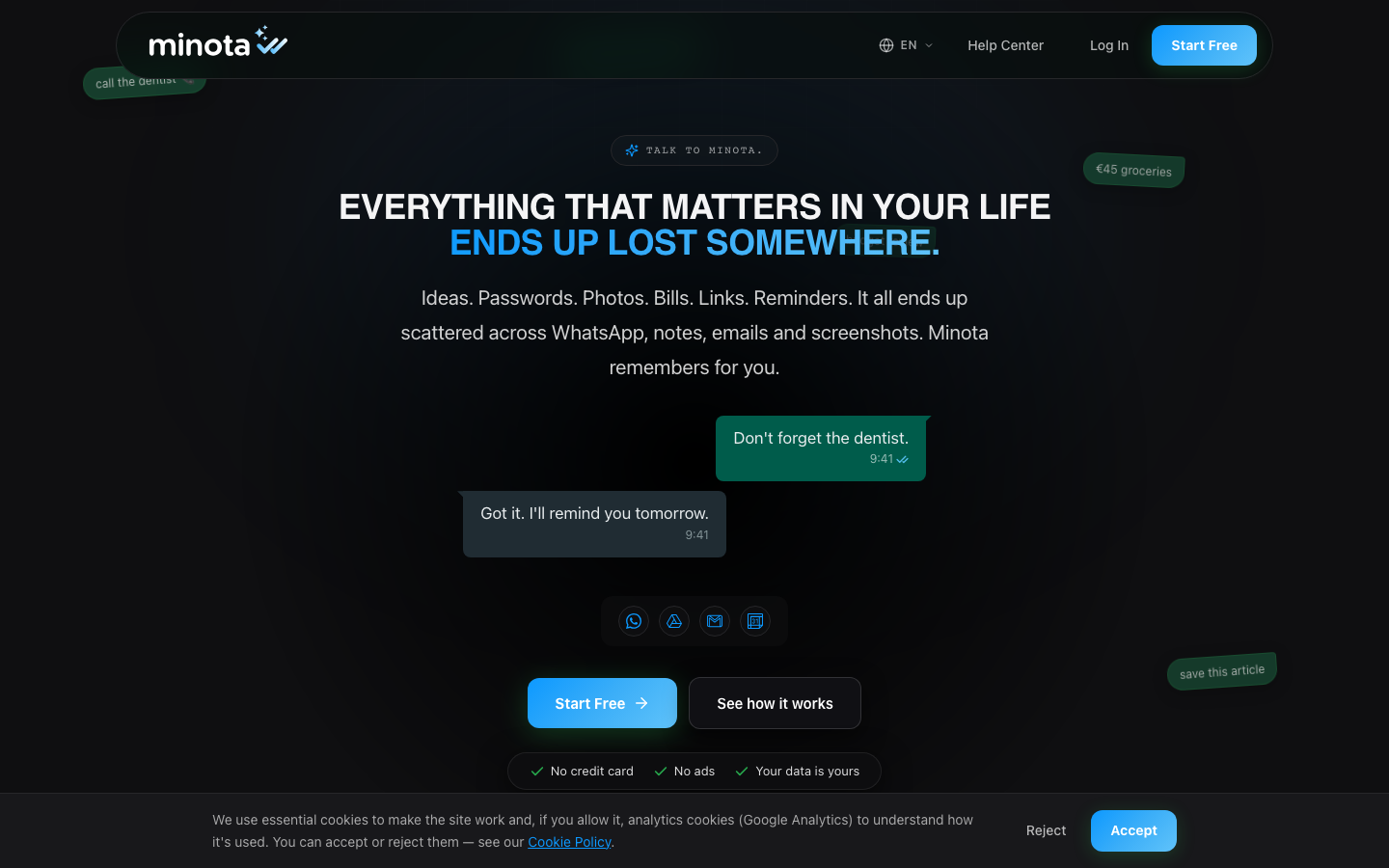
Minota is a personal AI assistant designed to help you organize your life by retrieving scattered information from your WhatsApp chats, notes, and screenshots. It acts as a central hub for ideas, passwords, photos, bills, links, and reminders, eliminating the need to search through multiple apps. Minota aims to simplify your daily routine by remembering important details for you, allowing you to focus on tasks rather than searching for lost information. The service is free to start and emphasizes user data privacy.

minota screenshot
Try minota

Website: minota.es

What is minota?

Minota is a personal AI assistant designed to help you organize your life by retrieving scattered information from your WhatsApp chats, notes, and screenshots. It acts as a central hub for ideas, passwords, photos, bills, links, and reminders, eliminating the need to search through multiple apps. Minota aims to simplify your daily routine by remembering important details for you, allowing you to focus on tasks rather than searching for lost information. The service is free to start and emphasizes user data privacy.

At a Glance

Pricing
Not specified
Status
Approved
Platform
Web
Category
AI Productivity, Reference & Information, AI Office Tools
Tags
information-retrieval, notes, organization, personal-assistant, reminders, whatsapp, productivity

Why Choose minota

Information Retrieval

Minota finds specific items like ideas, passwords, photos, bills, and reminders that are lost across WhatsApp, notes, and screenshots, saving you search time. Minota is a personal AI assistant designed to help you organize your life by retrieving scattered information from your WhatsApp chats, notes, and screenshots. It acts.

Chat-Based Interaction

Interact with Minota through chat, similar to how you use WhatsApp, making it intuitive to save and retrieve information without changing your existing habits.

Reminder Setting

Set reminders for appointments, tasks, or events directly through chat, ensuring you don't miss important dates or activities. Minota is a personal AI assistant designed to help you organize your life by retrieving scattered information from your WhatsApp chats, notes, and screenshots. It acts.

Password Management

Securely store and retrieve passwords for various accounts, preventing the frustration of forgetting or needing to reset them. Minota is a personal AI assistant designed to help you organize your life by retrieving scattered information from your WhatsApp chats, notes, and screenshots. It acts.

Receipt and Document Storage

Save photos of receipts, invoices, or important documents, making them easily accessible when needed for budgeting or reference. Minota is a personal AI assistant designed to help you organize your life by retrieving scattered information from your WhatsApp chats, notes, and screenshots. It acts.

How to Use minota

  1. 1

    Start Chatting

    Begin a conversation with Minota, similar to how you would chat with a contact on WhatsApp.

  2. 2

    Save Information

    Send messages, photos, or voice notes containing ideas, passwords, bills, or reminders to Minota to save them.

  3. 3

    Retrieve Information

    Ask Minota to find specific items by typing keywords or descriptions of what you are looking for.

  4. 4

    Set Reminders

    Instruct Minota to remind you about specific tasks or events at a designated time or date.

Best For

  • Remembering a brilliant idea

    Who: Anyone who gets spontaneous ideas · Minota saves the idea instantly, preventing it from being forgotten later.

  • Managing passwords

    Who: Users with multiple online accounts · Minota securely stores passwords, eliminating the need for password managers or resets.

  • Tracking expenses and bills

    Who: Budget-conscious individuals · Save photos of receipts and bills to easily track spending and manage finances with Minota.

  • Scheduling appointments

    Who: Busy professionals and individuals · Use Minota to set reminders for appointments, ensuring you don't miss them.

  • Organizing links and articles

    Who: Content consumers and researchers · Save interesting links or articles to Minota for later reading or reference.

Frequently Asked Questions About minota

What kind of information can Minota organize?

Minota can organize ideas, passwords, photos, bills, links, reminders, and any other information you send via chat.

How does Minota find information scattered across WhatsApp?

Minota integrates with your WhatsApp to scan and index the information you send to it, making it searchable.

Is Minota free to use?

Yes, Minota offers a free plan to get started. Details on premium features may be available.

Do I need to change my current workflow to use Minota?

No, Minota is designed to work with your existing habits, particularly your use of WhatsApp for communication and saving information.

Is my data secure with Minota?

Minota states that your data is yours and emphasizes privacy. Specific security measures should be reviewed on their platform.

Can Minota remind me of tasks?

Yes, you can set reminders for tasks, appointments, or events by chatting with Minota.

What happens if I forget a password?

If you have saved the password with Minota, you can simply ask it to retrieve it for you.