
Sponsored byMixinflow
Video GenerationAI Image EnhancementAI ProductivityAI WritingApproved
Seedance 3.0 AI Video Generator icon

Seedance 3.0 AI Video Generator

Seedance 3.0 is an advanced AI video generator that allows users to

Seedance 3.0 is an advanced AI video generator that allows users to create cinematic AI videos from various inputs, including text, images, existing video clips, and audio references. It supports multi-shot storytelling, ensuring continuity across scenes, and offers native sound and dubbing capabilities. With director-level control, Seedance 3.0 enables precise camera adjustments and stylistic consistency, making it a powerful tool for generating polished and professional video content. Seedance 3.0 accepts text prompts, images, video clips, and audio references as input, providing flexibility in content creation and allowing for diverse creative approaches. This feature ensures temporal continuity and consistency across multiple video shots, enabling the creation of coherent and engaging narratives for complex video projects.

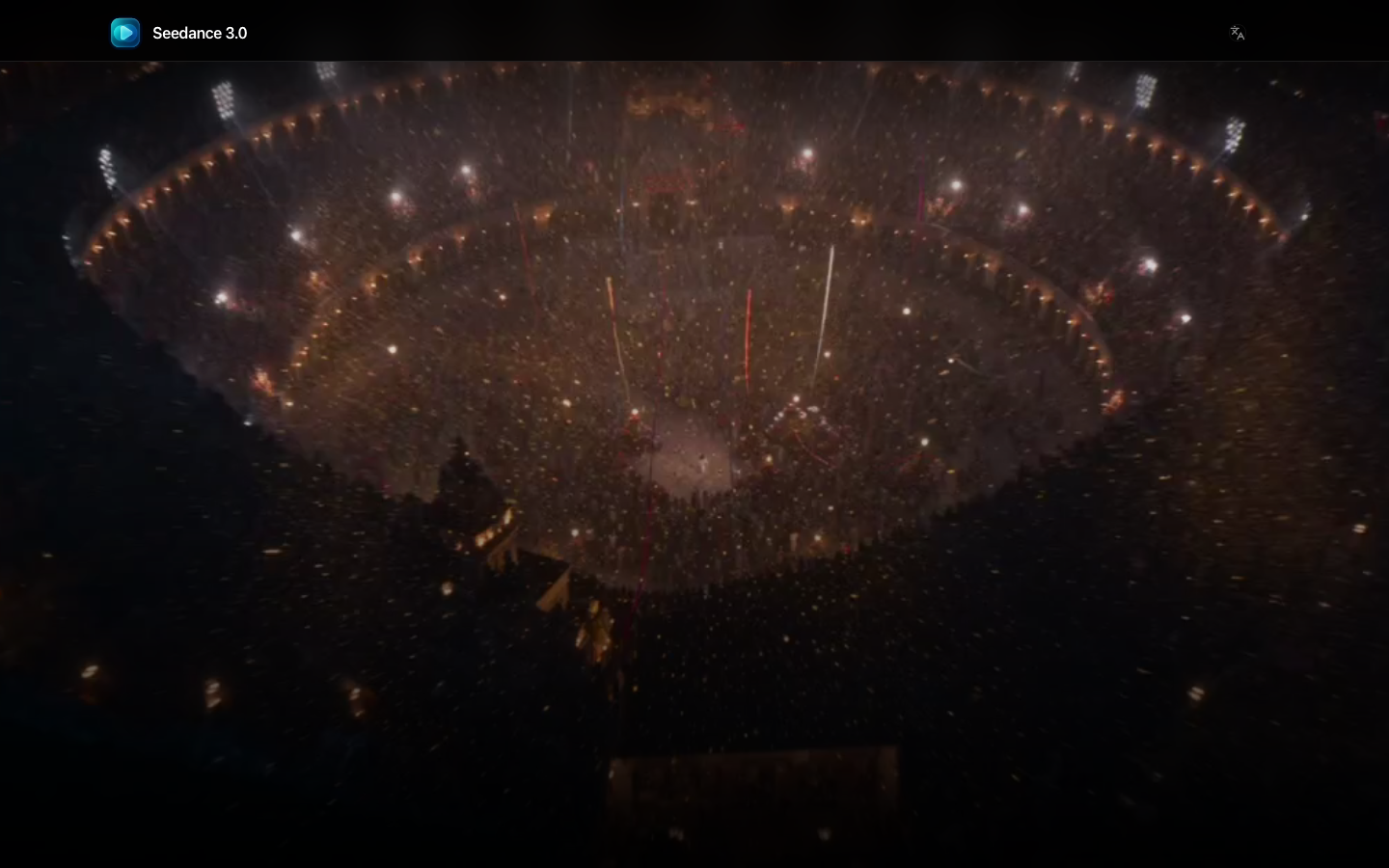
Seedance 3.0 AI Video Generator screenshot
Try Seedance 3.0 AI Video Generator

Website: seedance3.cloud

What is Seedance 3.0 AI Video Generator?

Seedance 3.0 is an advanced AI video generator that allows users to create cinematic AI videos from various inputs, including text, images, existing video clips, and audio references. It supports multi-shot storytelling, ensuring continuity across scenes, and offers native sound and dubbing capabilities. With director-level control, Seedance 3.0 enables precise camera adjustments and stylistic consistency, making it a powerful tool for generating polished and professional video content. Seedance 3.0 accepts text prompts, images, video clips, and audio references as input, providing flexibility in content creation and allowing for diverse creative approaches. This feature ensures temporal continuity and consistency across multiple video shots, enabling the creation of coherent and engaging narratives for complex video projects.

At a Glance

Pricing
Not specified
Status
Approved
Platform
Web
Category
Video Generation, AI Image Enhancement, AI Productivity, AI Writing
Tags
ai-video-generator, cinematic-video, image-to-video, multimodal-video, storytelling, text-to-video, video-to-video

Why Choose Seedance 3.0 AI Video Generator

Multimodal Input

Seedance 3.0 accepts text prompts, images, video clips, and audio references as input, providing flexibility in content creation and allowing for diverse creative approaches.

Multi-Shot Storytelling

This feature ensures temporal continuity and consistency across multiple video shots, enabling the creation of coherent and engaging narratives for complex video projects. Seedance 3.0 is an advanced AI video generator that allows users to create cinematic AI videos from various inputs, including text, images, existing video clips, and.

Native Sound and Dubbing

Seedance 3.0 includes capabilities for generating native sound and performing dubbing, enhancing the audio experience and allowing for multilingual content creation. Seedance 3.0 is an advanced AI video generator that allows users to create cinematic AI videos from various inputs, including text, images, existing video clips, and.

Director-Level Control

Users have granular control over camera angles, motion, and stylistic elements, empowering them to direct the AI video generation process with precision. Seedance 3.0 is an advanced AI video generator that allows users to create cinematic AI videos from various inputs, including text, images, existing video clips, and.

Reference Consistency

Seedance 3.0 maintains consistency with reference inputs, whether they are images or video clips, ensuring that the generated video aligns with the desired aesthetic and content.

How to Use Seedance 3.0 AI Video Generator

  1. 1

    Select Input Type

    Choose whether to generate video from text, an image, a video clip, or audio references within the Seedance 3.0 interface.

  2. 2

    Provide References and Prompts

    Enter your text prompts, upload reference images or video clips, or provide audio files to guide the AI video generation process in Seedance 3.0.

  3. 3

    Configure Generation Settings

    Adjust parameters such as duration, aspect ratio, resolution, and audio settings to customize the output of your Seedance 3.0 video.

  4. 4

    Generate and Preview Video

    Initiate the video generation process and review the preview to ensure the output meets your creative vision for Seedance 3.0.

Best For

  • Marketing Content Creation

    Who: Marketing Teams · Quickly generate engaging video advertisements and social media content with consistent branding and messaging using Seedance 3.0.

  • Film and Animation Pre-visualization

    Who: Filmmakers and Animators · Create storyboards and visualize scenes with dynamic AI-generated footage, streamlining the pre-production process with Seedance 3.0.

  • Product Demonstrations

    Who: Product Developers · Produce clear and visually appealing videos showcasing product features and functionalities, enhancing customer understanding with Seedance 3.0.

  • Educational Material Development

    Who: Educators and Content Creators · Generate informative and visually rich videos for online courses and tutorials, making complex topics more accessible with Seedance 3.0.

  • Personalized Content

    Who: Individual Creators · Create unique and personalized video messages or artistic expressions tailored to specific preferences using Seedance 3.0's multimodal capabilities.

Frequently Asked Questions About Seedance 3.0 AI Video Generator

What types of input can Seedance 3.0 use to generate videos?

Seedance 3.0 can generate videos from text prompts, images, existing video clips, and audio references.

Does Seedance 3.0 support creating videos with consistent characters or scenes across multiple shots?

Yes, Seedance 3.0 features multi-shot storytelling capabilities designed to maintain continuity and consistency across different scenes.

Can I control the camera and style of the generated videos with Seedance 3.0?

Absolutely. Seedance 3.0 offers director-level control, allowing you to manage camera angles, motion, and stylistic elements.

What is the benefit of using multi-reference inputs in Seedance 3.0?

Using multi-reference inputs in Seedance 3.0 provides more control over the output, ensuring better adherence to desired styles, compositions, and content.

Does Seedance 3.0 offer options for sound and voiceovers?

Yes, Seedance 3.0 includes capabilities for native sound generation and dubbing to enhance the audio component of your videos.

Is Seedance 3.0 suitable for professional video production?

Seedance 3.0 is designed for generating high-quality, cinematic AI videos, making it suitable for various professional applications.

How does Seedance 3.0 handle NSFW content?

Seedance 3.0 blocks NSFW, nude, sexually suggestive, and sexually explicit content to ensure appropriate usage.