Sponsored byMixinflow
AI Voice GenerationApproved
VoiceOS icon

VoiceOS

VoiceOS is a powerful tool designed to significantly boost your productivity by

VoiceOS is a powerful tool designed to significantly boost your productivity by allowing you to control your computer and applications using just your voice. It aims to eliminate the need for constant app-switching and context-switching, enabling you to work faster and maintain focus. By translating spoken commands into actions, VoiceOS streamlines workflows, making tasks like sending messages, scheduling meetings, drafting emails, and searching for information more efficient. This voice-first approach helps users stay in their flow state and get more done with less effort.

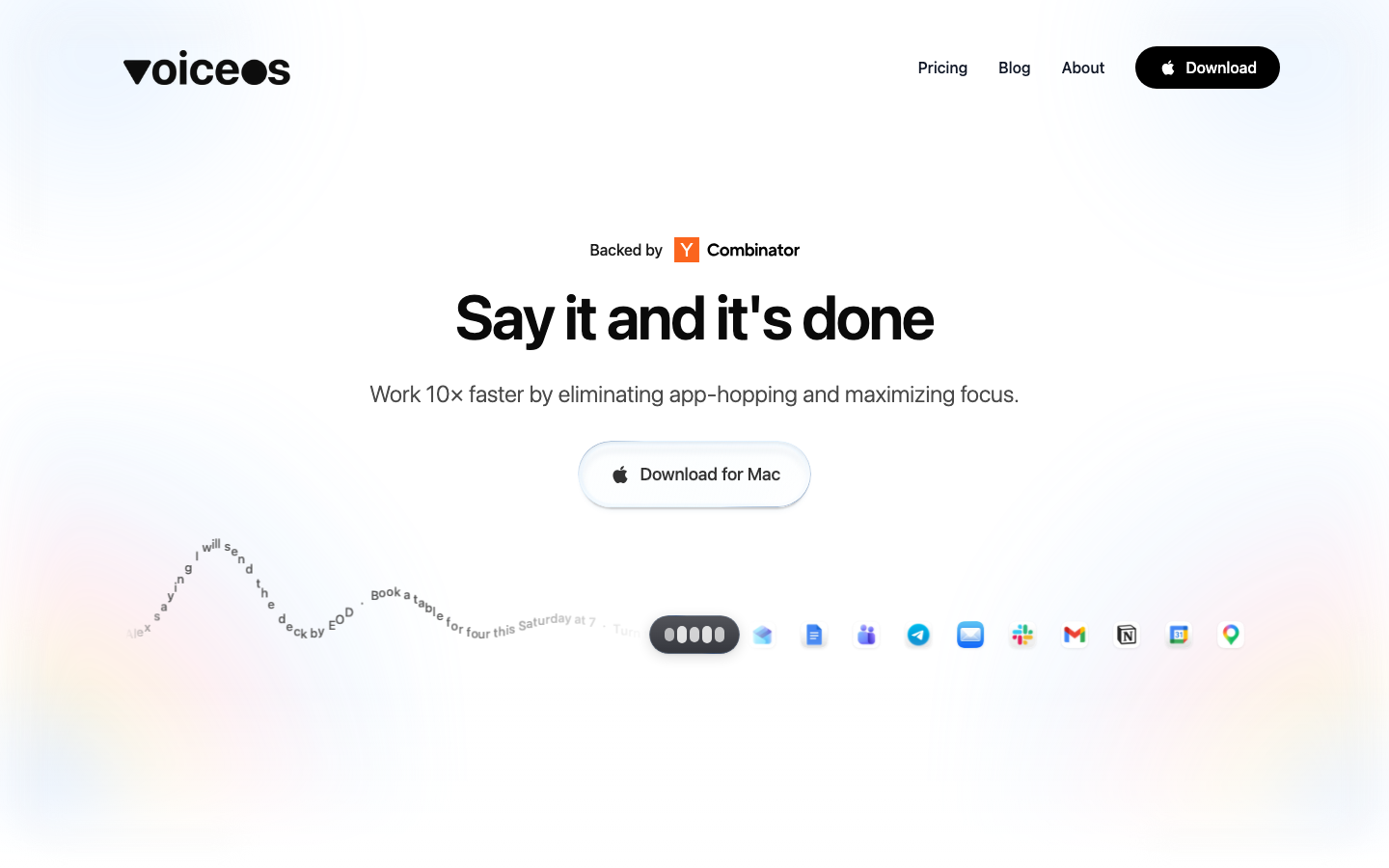
VoiceOS screenshot
Try VoiceOS

Website: voiceos.com

What is VoiceOS?

VoiceOS is a powerful tool designed to significantly boost your productivity by allowing you to control your computer and applications using just your voice. It aims to eliminate the need for constant app-switching and context-switching, enabling you to work faster and maintain focus. By translating spoken commands into actions, VoiceOS streamlines workflows, making tasks like sending messages, scheduling meetings, drafting emails, and searching for information more efficient. This voice-first approach helps users stay in their flow state and get more done with less effort.

At a Glance

Pricing
Not specified
Status
Approved
Platform
Web
Category
AI Voice Generation
Tags
app-integration, dictation, focus-enhancement, productivity-tool, task-automation, voice-control

Why Choose VoiceOS

Voice Control

Execute commands and control applications using natural language voice input, reducing the need for manual input and mouse usage. VoiceOS is a powerful tool designed to significantly boost your productivity by allowing you to control your computer and applications using just your voice. It aims.

App Integration

Seamlessly interacts with a wide range of applications, allowing you to perform actions across different software without leaving your current context. VoiceOS is a powerful tool designed to significantly boost your productivity by allowing you to control your computer and applications using just your voice. It aims.

Dictation Mode

Convert spoken words into text with high accuracy, ideal for drafting emails, documents, or notes quickly and efficiently. VoiceOS is a powerful tool designed to significantly boost your productivity by allowing you to control your computer and applications using just your voice. It aims.

Agent Mode

Enables complex task automation through voice commands, allowing for multi-step actions to be performed with a single spoken instruction. VoiceOS is a powerful tool designed to significantly boost your productivity by allowing you to control your computer and applications using just your voice. It aims.

Focus Enhancement

Minimizes distractions by reducing the need to switch between different applications, helping users maintain concentration on their primary tasks. VoiceOS is a powerful tool designed to significantly boost your productivity by allowing you to control your computer and applications using just your voice. It aims.

How to Use VoiceOS

  1. 1

    Activate VoiceOS

    Launch VoiceOS on your device and ensure your microphone is enabled.

  2. 2

    Speak Your Command

    Clearly state your desired action, such as 'Draft an email to the marketing team' or 'Schedule a team meeting for tomorrow at 3 PM'.

  3. 3

    Confirm Action

    VoiceOS will process your command and may prompt for confirmation before executing the action within the relevant application.

  4. 4

    Continue Working

    Proceed with your next task, using voice commands to navigate, create, or manage information efficiently with VoiceOS.

Best For

  • Managing Communications

    Who: Professionals · Quickly send messages, draft emails, and reply to conversations without interrupting workflow.

  • Scheduling and Calendar Management

    Who: Busy Individuals · Effortlessly schedule meetings, set reminders, and add events to your calendar using voice commands.

  • Information Retrieval

    Who: Researchers and Students · Find information, search for flights, or summarize content by simply speaking your query.

  • Content Creation

    Who: Writers and Content Creators · Dictate notes, draft documents, and convert voice memos into clean text for faster content generation.

  • Task Management

    Who: Project Managers · Create tasks in project management tools, set deadlines, and update project checklists via voice.

Frequently Asked Questions About VoiceOS

What is VoiceOS?

VoiceOS is a voice-controlled productivity tool that allows you to operate your computer and applications using spoken commands, aiming to increase speed and focus.

How does VoiceOS work?

VoiceOS listens to your voice commands and translates them into actions within your computer's operating system and various applications, automating tasks.

What kind of tasks can VoiceOS perform?

VoiceOS can handle a wide range of tasks, including sending messages, scheduling meetings, drafting emails, searching for information, creating tasks, and more.

Does VoiceOS require specific hardware?

VoiceOS requires a functioning microphone connected to your computer. Specific hardware beyond a standard microphone is not detailed.

Is VoiceOS compatible with all applications?

VoiceOS is designed to integrate with a wide range of applications, but compatibility may vary. Specific details on supported applications are available.

How does VoiceOS ensure privacy?

VoiceOS emphasizes user control over privacy, indicating that users are in charge of their data and how VoiceOS operates.

Can VoiceOS be used for dictation?

Yes, VoiceOS includes a dictation mode that accurately converts your spoken words into written text.